Sign in to which Dashivo?
Your own phones, or your company's fleet. Each has its own account.
New to Dashivo Pro? Talk to us and we'll set up your company.
Pulled over at night
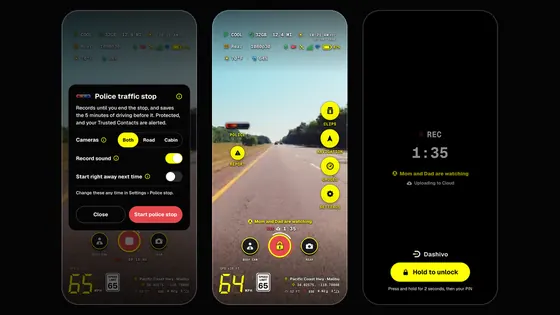
POLICE, then Start police stop, before the officer reaches the window: front and rear record until you end it, saved every few seconds, and the stop and the 5 minutes before it kept safe from loop recording.
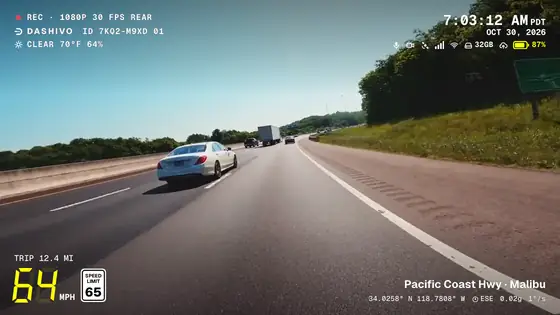
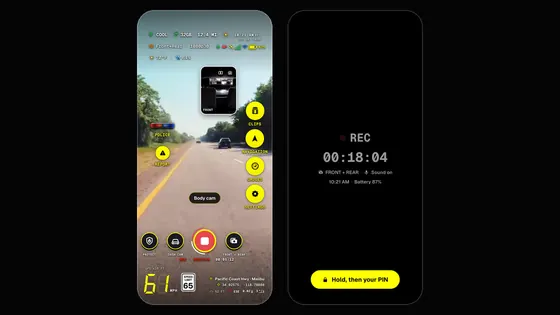
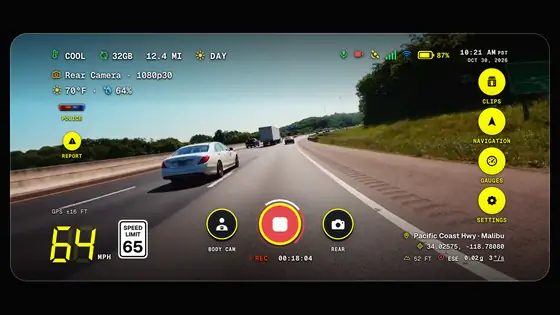
Illustrated frameNot real footage
The situation
Lights come on behind you late at night, and you pull over. You want a clear record of the stop for everyone involved, and your hands where they can be seen.
Step by step
Before Recording as usual
Dashivo™ is already recording the drive in normal-length clips, the phone in its mount.
Two taps POLICE, then Start
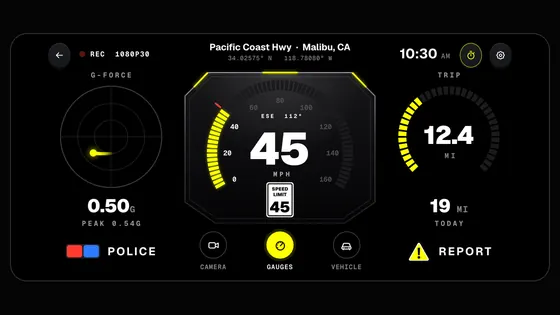
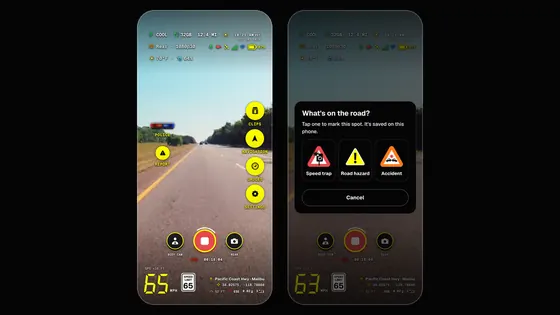
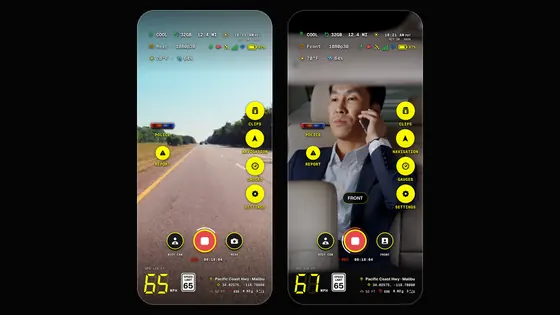
Tap the red-and-blue POLICE button before the officer reaches the window, then Start police stop; the card lets you pick the cameras and sound first. Turn on Start right away next time and one tap starts it. On the gauges screen it's big enough to hit without a long look.
Right away Saved every few seconds
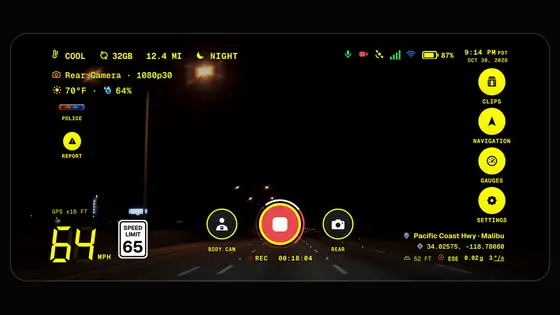
Front and rear record until you end the stop, with POLICE STOP on the stamp. Behind the scenes it's saved in small pieces, so each part is finished and safe within seconds, even if the phone is grabbed, knocked or switched off.
Looking back Kept safe from the loop
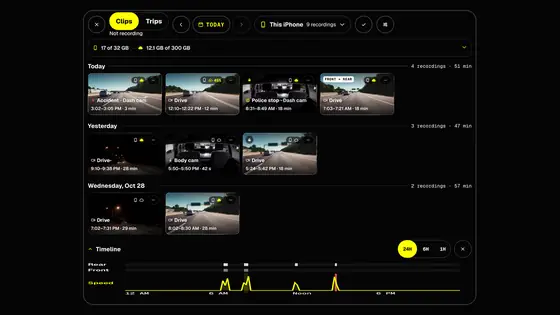
The stop, and the 5 minutes of driving before it (or 10, if you choose), are kept safe from loop recording on the phone. With a Black Box, copies go straight to it too.
During Hands on the wheel
Leave the phone where it is and follow the officer's instructions. The recording carries on.
After End the stop
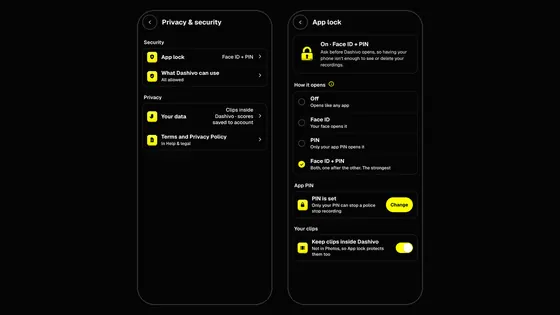
Tap POLICE again and hold to end the stop; with an app PIN, only your PIN ends it. Clips go back to their normal length, and everything recorded during the stop stays locked.
POLICE, Start, then keep your hands on the wheel.
What you walk away with
- The whole stop, recorded without a break and saved every few seconds.
- The drive before the lights came on.
- The date, time, speed and place on every frame.
Good to know
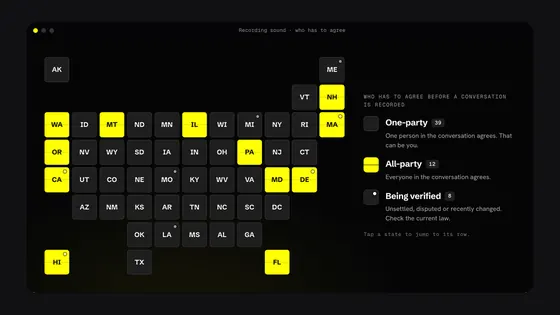
A police stop records front and rear at once by default, or the road or the cabin alone if you choose (Settings › Police stop). Dashivo records sound with every video unless you turn it off (Video › Record sound), and recording laws differ from state to state, so check the rules where you drive. Dashivo documents what happens; it doesn't give legal advice. With Dashivo Cloud, if you're arrested, your stop footage and location go to the people you choose.
 Coming