For iPhone & Android
App
Night mode
Moves to the main lens after dark for a cleaner picture.
On by default. When the road goes dark, Dashivo™ moves the picture from the ultra-wide lens to the main one, which takes in several times more light, and lets the phone brighten it where it can. NIGHT shows next to REC, and everything switches back on its own in daylight.
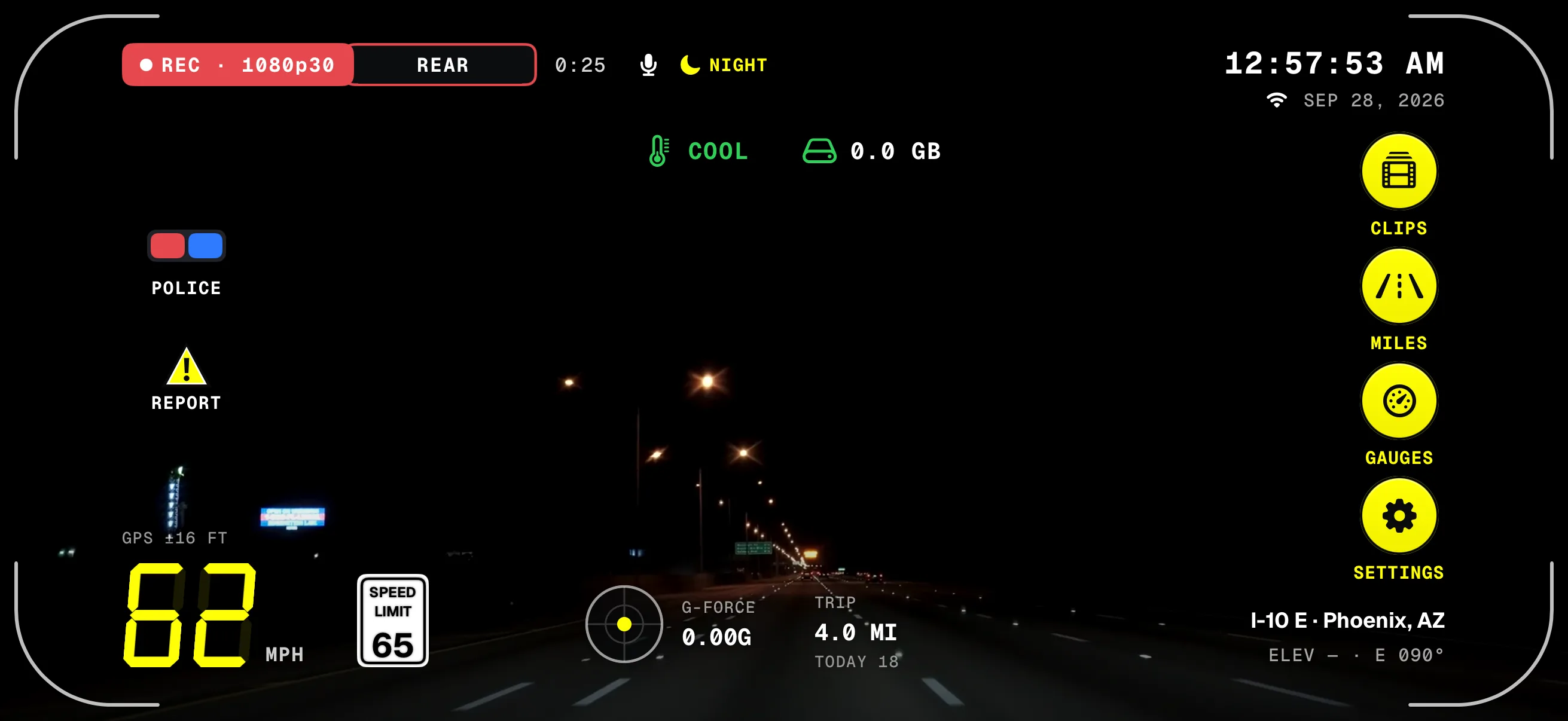
- NIGHTNext to REC while night mode is on.
- Speed & limitYellow digits and the sign stay sharp with a faint black shadow.
- Clock & dateThe same time and date the stamp burns into the video.
- The railRound yellow buttons with black icons, readable day and night.
- Where you areStreet and city, with elevation and heading.
A screen from the iPhone app, with a night road clip played as the camera for the capture. In the app, NIGHT shows by REC when your camera sees the dark.
What changes after dark
- Main lens
- Recording Extra wide, the view slides over to the main lens, which takes in several times more light. On Normal, you're on it already.
- Brighter
- The phone brightens the picture where it can, on iPhones that support it.
- Cleaner
- On Android, the noise reduction works harder too.
- No break
- It changes without stopping the recording, and switches back on its own in daylight.
- NIGHT
- A small moon and NIGHT show next to REC while it's on.
- On by default
- Settings › Video › Night mode. Off keeps the same camera settings day and night.
Which phones do best at night
What decides night footage is how much light reaches the camera: a large main sensor and a bright lens, with optical stabilization to hold the picture steady through each frame. Software can't make up for a small sensor; it only trades grain for smear.
The app's phone check tells you plainly how yours does at night, and which phones work lists the ones we recommend. In body cam mode, the front camera is smaller and dimmer, so at night it needs whatever light the cabin has.
How it works
- 01
Leave night mode on (it is by default) and drive as usual.
- 02
When the camera has seen the dark for 8 seconds, the main lens takes over and NIGHT shows by REC.
- 03
Headlights, a tunnel or a gas station don't change it: it only switches back after 20 seconds of clear light.
- 04
The stamp and the HUD carry on exactly the same, readable over the dark.
Where it stands
Works today
- Night mode on iPhone and Android, on by default
- NIGHT next to REC while it's on
- The phone check's night rating, in the app
- Readouts with a black shadow: faint at night, stronger over bright patches
Judged by the
camera itself.
Night mode doesn't go by the clock or the sunset. It reads how bright the scene is from the camera's own exposure: 8 seconds of darkness turns it on, and 20 seconds of clear light turns it off, so headlights, a tunnel or a gas station don't flip it back and forth.
Scene brightness from the camera's own exposureIllustration of an example drive, with example timings
- 8 s darkturns NIGHT on.
- Headlightsa few seconds of glare don't count.
- Gas station12 s of light is under 20: it stays on.
- 20 s litturns NIGHT off again.
Dark roads,
bright skies.
Every readout carries a black shadow, a tight edge and a soft glow. On a dark road it stays faint, so the picture stays clear; over a bright patch, like the sky or a white car, it grows stronger, and it eases back once the picture is darker again.
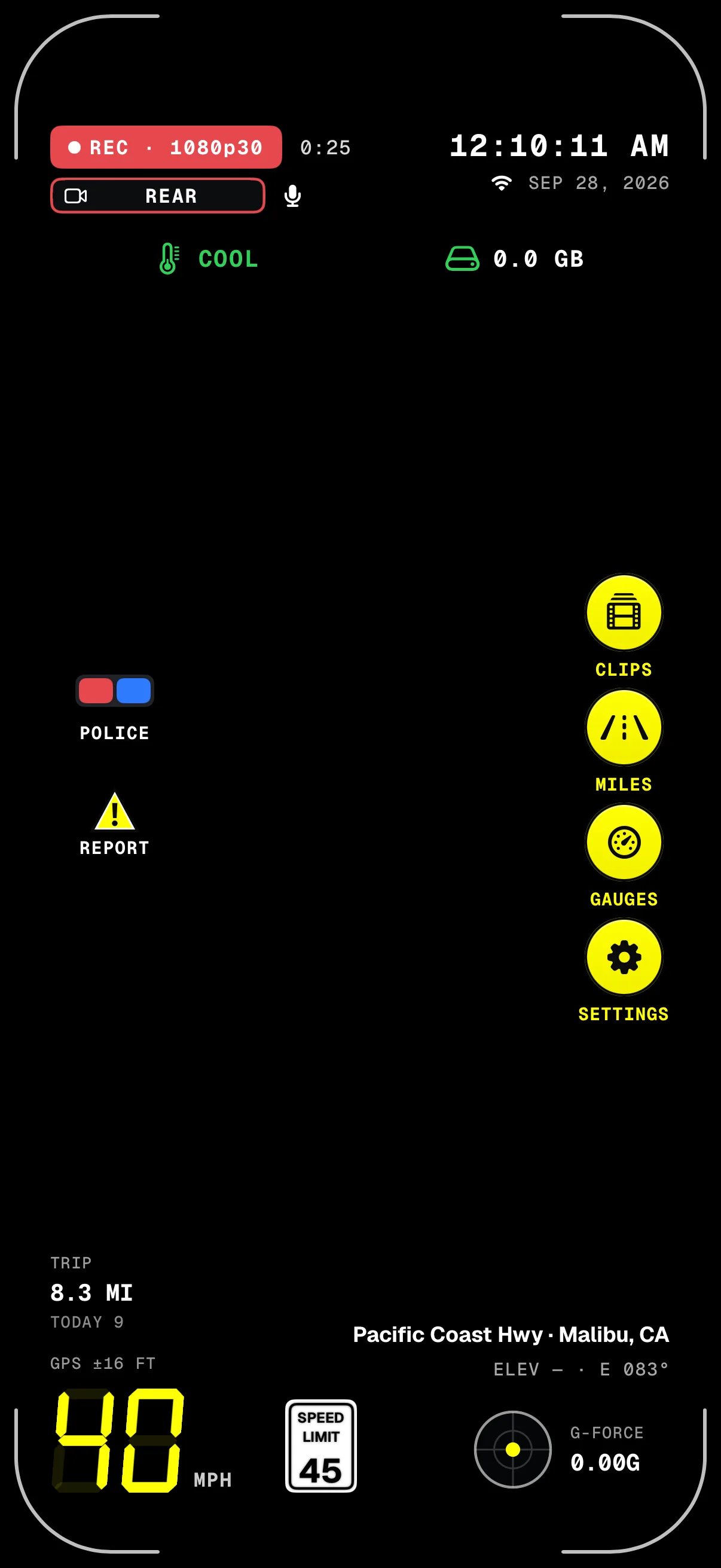
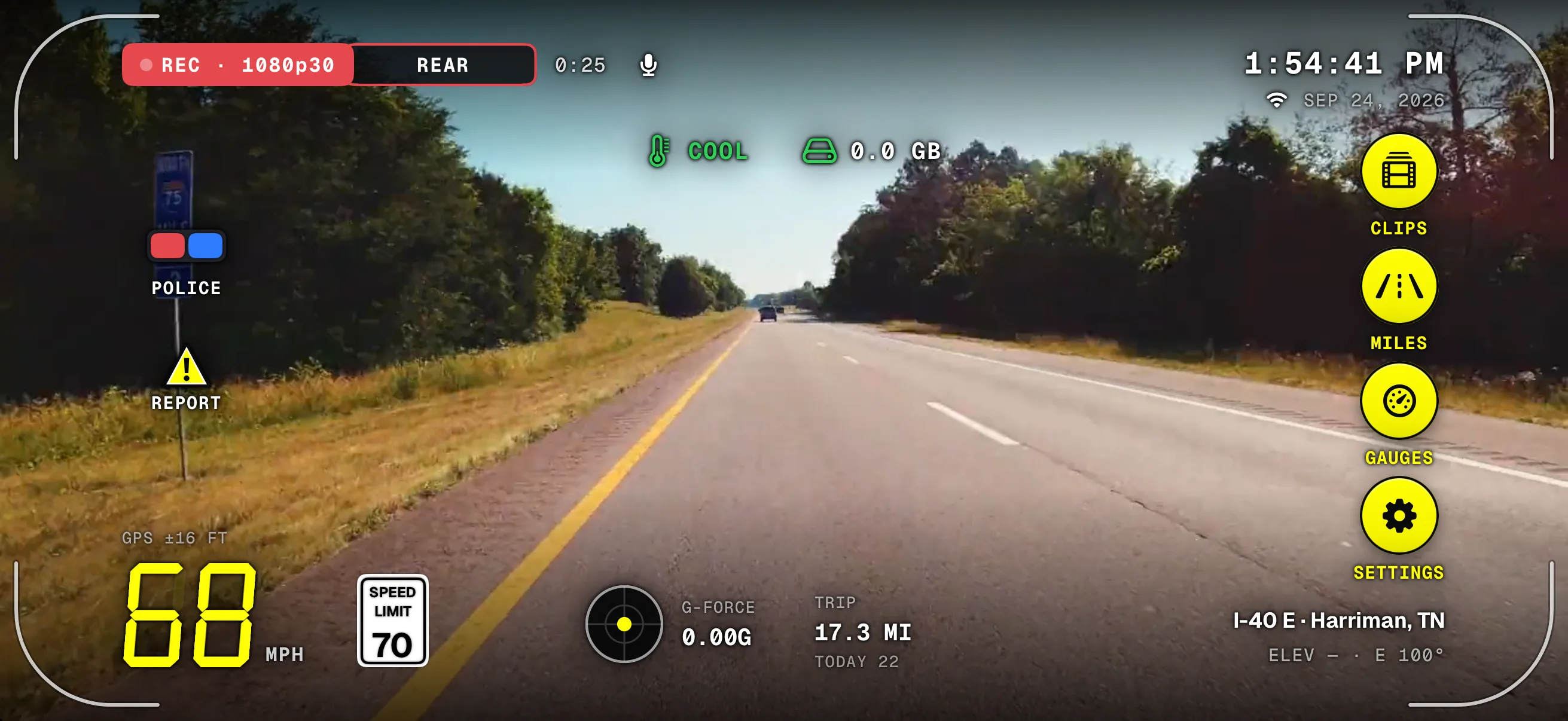
Screens from the iPhone app. The night road behind the first is added for this page; the second was captured with a road clip played as the camera.
More of the app
Download
Drive with a
witness.
Dashivo™ is free for iPhone and Android. Get the app, mount your phone, and your next drive is on the record.
Nothing new to buy · No account needed · Footage stays on your phone