Your account on the web. Cloud storage is coming soon.
Dashivo™ Cloud today is your account in the browser: sign up, see your plan and your devices, read the terms you've accepted, and download or delete your data. Cloud storage for the clips that matter is coming soon, end-to-end encrypted.
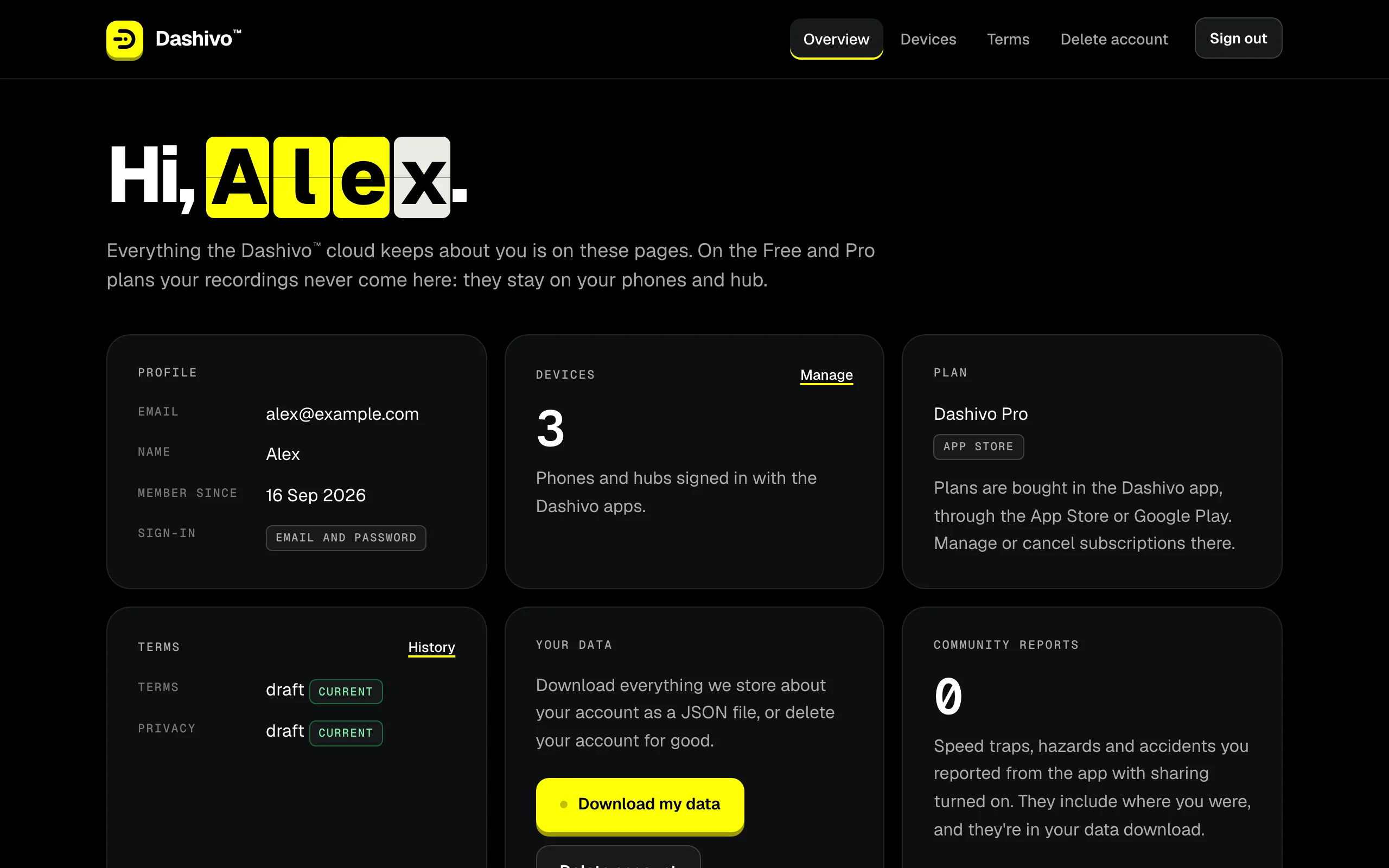
ProfileYour email, your name, when you joined and how you sign in.
DevicesThe phones on your account; manage them on the Devices page.
PlanBought in the app through the App Store or Google Play, and managed there.
TermsThe versions you've accepted, with the history.
Your dataDownload everything we keep as a JSON file.
Community reportsThe reports you've shared, once sharing arrives Coming soon
Delete accountYour password and the word DELETE, and it's gone at once.
The account portal in a desktop browser, with an example account.
What's in your account today
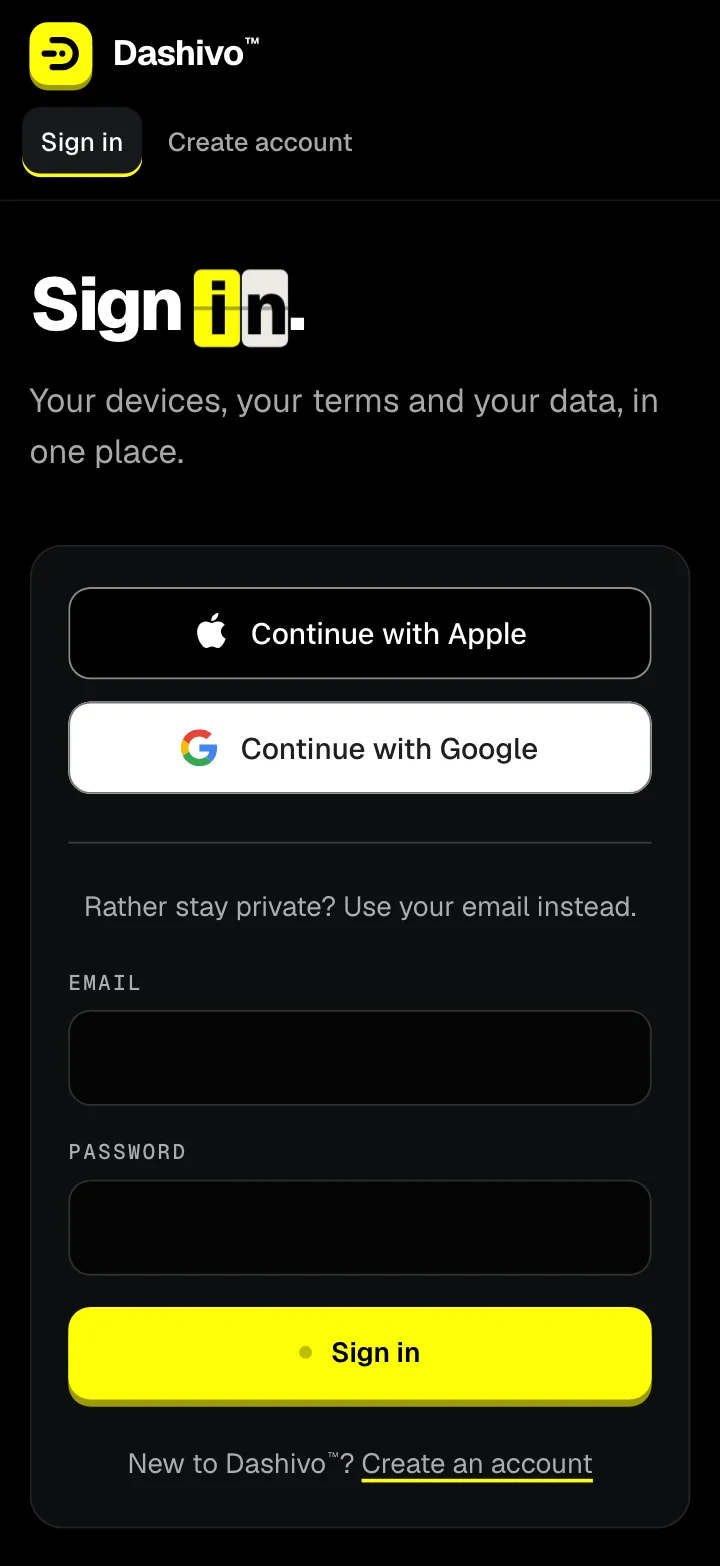
Sign up
With Apple, Google or just your email and a password, whichever you prefer, accepting the current Terms of Use and Privacy Policy.
Plan
The plan on your account. Plans are bought in the app, through the App Store or Google Play, and managed there.
Devices
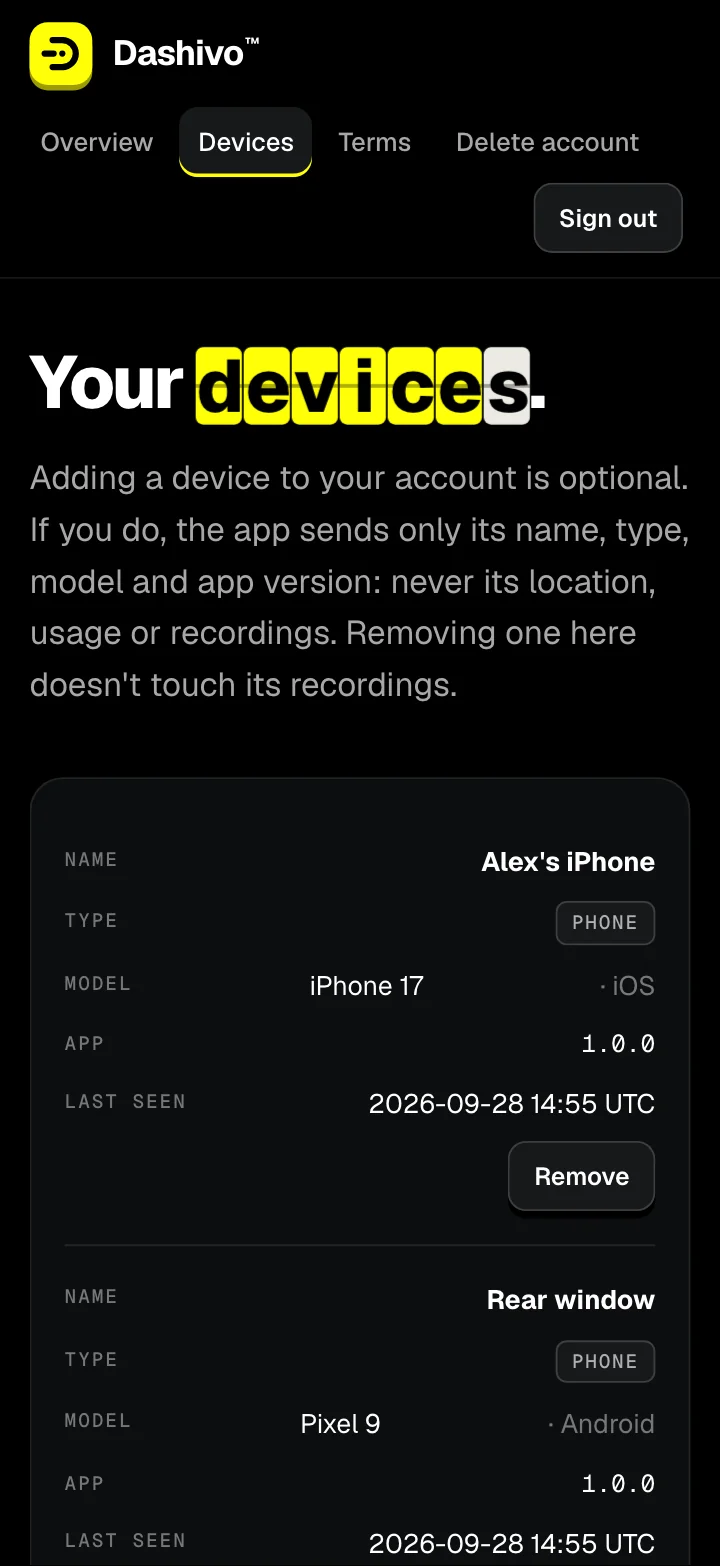
Phones on your account, by name, type, model and app version. Remove one any time; its recordings aren't touched.
Terms
Every version you've accepted, and a prompt to accept the new ones when they change.
Your data
Download everything we store about you as a JSON file, whenever you like.
Delete
Your password and the word DELETE, and the account is deleted at once.
On the Free and Pro plans your recordings never come here: they stay on your phones. Signing in from the app, and adding your phones from it, comes with Dashivo Cloud. Deleting your account doesn't cancel a store subscription; cancel that in the App Store or Google Play.
See your plan, your devices and the terms you've accepted, on any computer or phone.
03
Download your data, sign out everywhere, or delete your account, whenever you like.
Where it stands
Works today
Sign up and sign in on the web
Your plan, devices and terms history
Download your data (JSON)
Delete your account
Sign out everywhere
Coming soon
Cloud and Cloud+ storage, end-to-end encrypted
Signing in and adding phones from the app
Route history and sharing
Police stop footage uploaded as the stop starts
Cloud+: the “if I'm detained” hand-off
Dashivo Hub Coming Soon
Its own web page in your car, for every clip it keeps
Keep what matters.
Dashivo Cloud keeps the clips that matter online, not every minute: police stops, impacts, clips you save, and your routes. Full-length 4K stays on your phone. Everything is encrypted on your phone before it leaves, and we can't watch it.
Impacts, police stops and clips you save, kept online
Route history: every trip on a map, with time and speed
Police stop footage uploads the moment a stop starts
Share footage with people you trust
End-to-end encrypted: only you can see it
Dashivo™ Cloud+
Coming soon
$20a month
Phones
4
Space
500 GB
Kept
60 days
Everything in Cloud
Up to 4 phones, like a 4-channel dash cam
If you're detained: your stop footage and location go to the people you choose, like your attorney or family
Priority support
Need more? Cloud+ can grow to 1 TB on request
Bought in the app through the App Store or Google Play when they launch; storage is shared by the phones on the plan. If you lose your keys, nobody can recover the footage, including us.
The portal, in your pocket.
The same account works in your phone's browser: sign in, check your devices, download your data.