Multi-driver route planning
Route planning for your whole fleet, any number of drivers, with time windows and limits on hours and stops. Optimize them together, then dispatch every route at once.

Dashivo™ Pro is dispatch, live GPS tracking and dash cams on your company's phones and tablets, with end-to-end encrypted messages and calls. The office runs it all from one web console. Nothing to install in the vehicle.

Work messages are end-to-end encrypted by default: direct, team and company chats, with photos, videos and files. Calls go between the two devices and are never recorded.


Left: Messages. Right: the dispatch console with a chat open. The demo company, sample drivers.
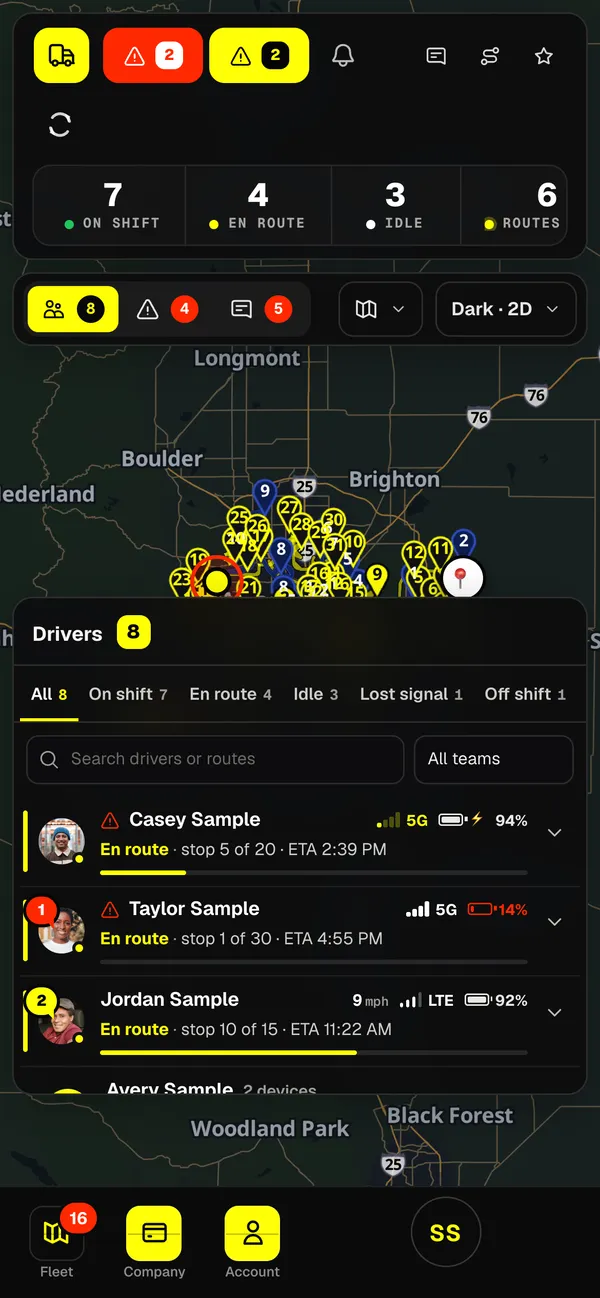
Who's on shift, where they are, what's running late and what needs you now, on one screen in the office and on dispatchers' phones.
The driver starts a shift in the Dashivo Pro app and appears on the live map with their route. Off shift, their location is shared only while they record.

Estimates come from the driver's real progress, the time at each stop and your fleet's own speeds. Fall 10 minutes behind and dispatch hears about it.


Critical and warning alerts land beside the map and on dispatchers' phones: lost signal, a phone offline or with location off, a battery at 15%, a no-go zone, a route nobody accepted. The Alerts log keeps every one for 30 days.


Reply in the chat beside the map, send a push-to-talk note, or call the driver from the console. Everything stays end-to-end encrypted.

When the shift ends the driver leaves the map. Their trip summaries feed the Driver Score, with leaderboards and PDF reports for 7, 30 or 90 days.

The phone on the dash becomes the dash cam: the road ahead or the cabin, every frame stamped with the date, time, speed and place. On foot it's a body cam, and a police stop is one tap.
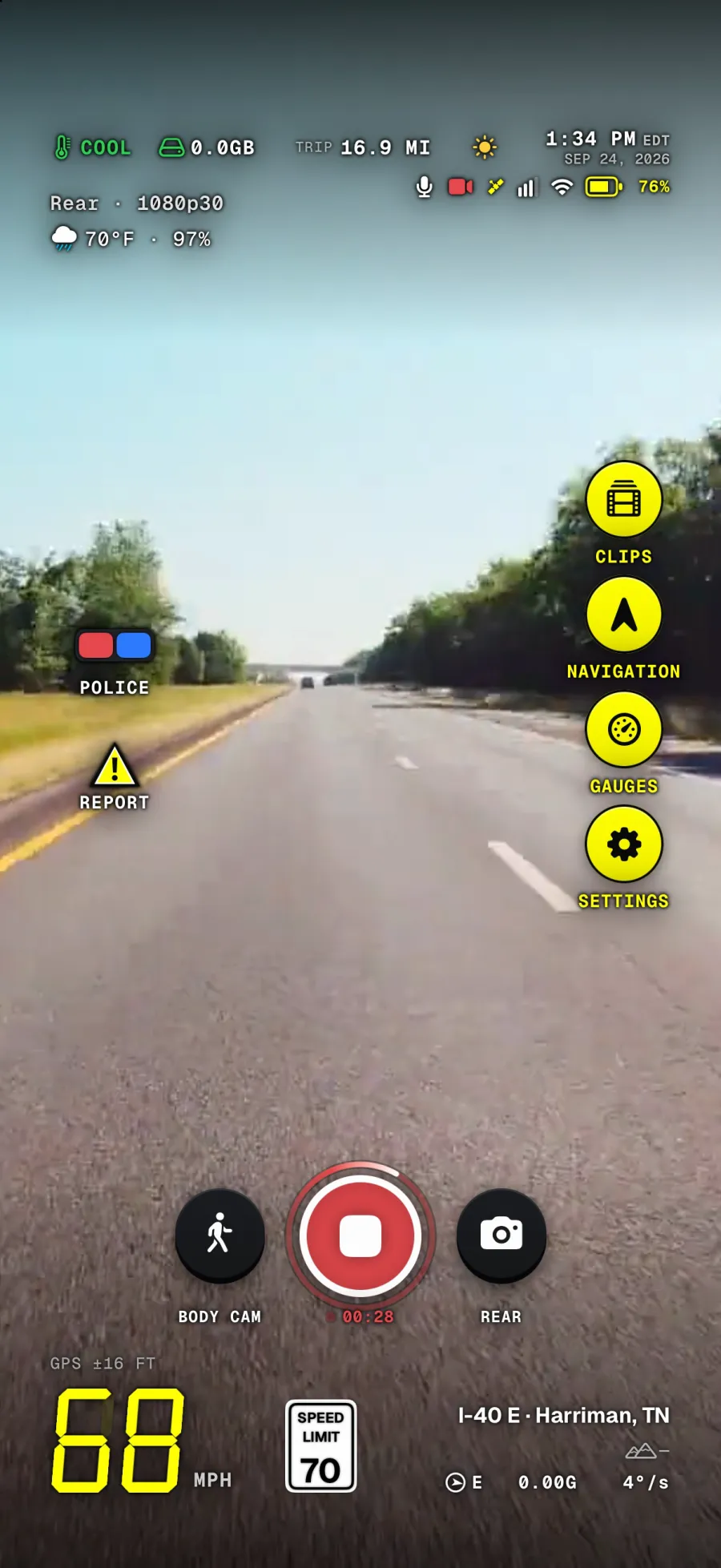
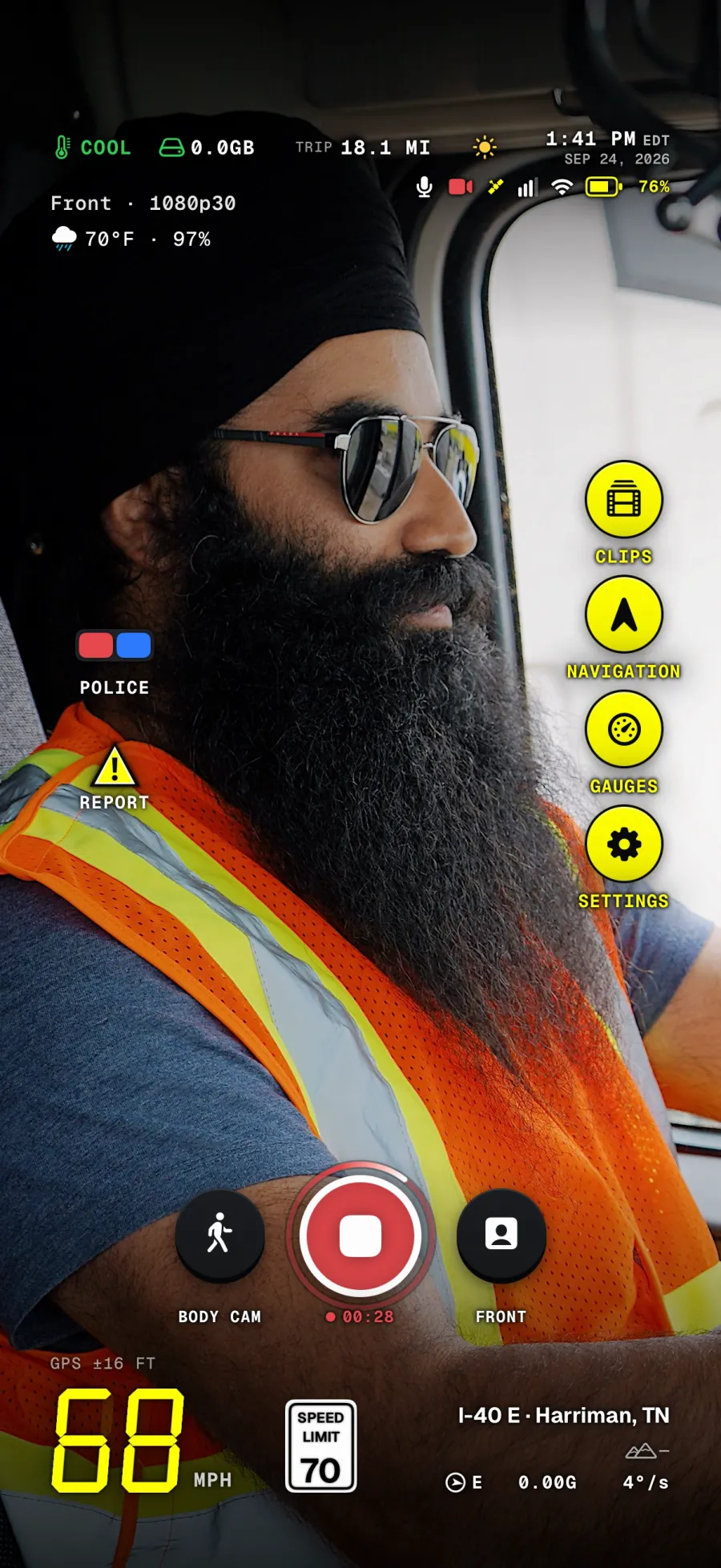
The Dashivo camera screen on iPhone, over licensed sample footage. Mount the phone before driving, and check your state's rules on recording sound.
This is what your drivers' phones record: the video with the facts burned in, so a claims adjuster, a lawyer or a customer knows when and where it happened, how fast the vehicle was going and how hard the hit was.
The stamp is part of the video file, so it stays with the footage wherever it's shared.
In Recordings, every clip plays beside its route. The dot shows where the vehicle was at each moment of the video, and the speed and time next to it match the stamp in the frame.
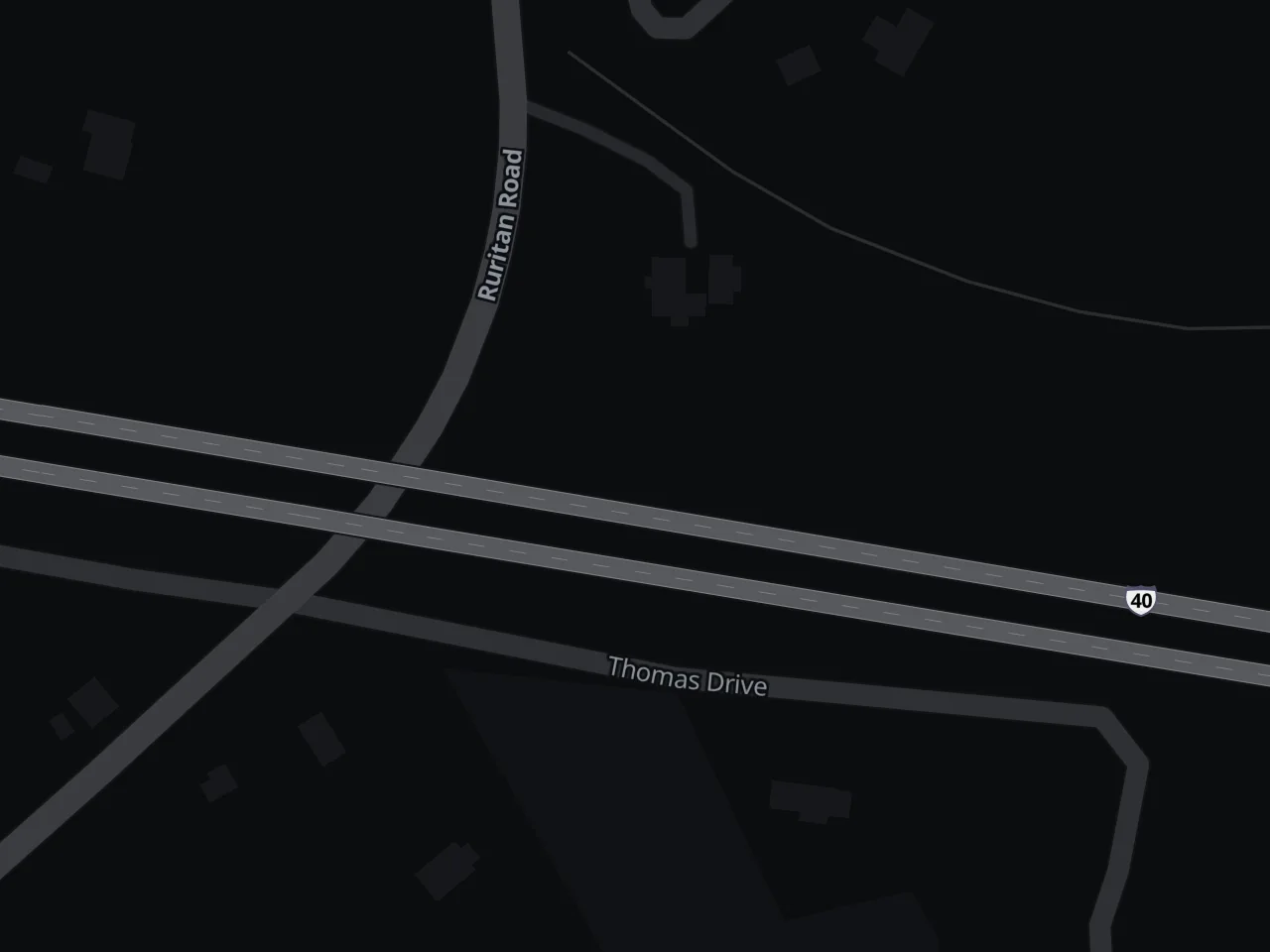
41 MPH · 8:31:05 AM
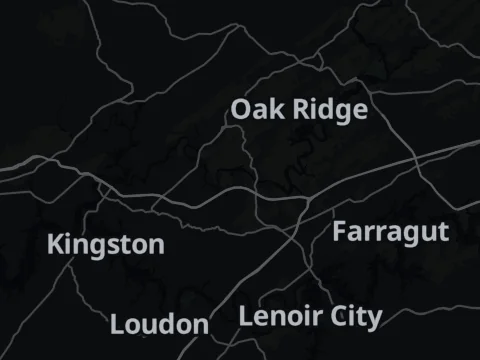
Crash detection runs on the driver's phone while it records in dash cam mode, on iPhone and Android. It's on by default.
Alerts reach dispatch while the driver is on shift and sharing location. Android phones without a gyroscope use impact, speed and stop alone. All of these must agree, so gentle bumps, door slams and crashes with no GPS fix beforehand aren't detected. Crash detection supports a response; it doesn't replace calling for help.
Plan several drivers' days on one map, optimize them together and send every route to its driver's phone. Put repeat runs on the calendar and they go out by themselves.
Route planning for your whole fleet, any number of drivers, with time windows and limits on hours and stops. Optimize them together, then dispatch every route at once.
Drag stops between drivers' lanes and see the time it costs first. Stops already done stay with whoever did them.

A calendar by month, week or day. Runs repeat on the days you pick, each with its driver and vehicle, and go out 15 to 120 minutes before they start.
Directions stay in the Dashivo Pro app, so the camera keeps recording.
Navigate over the camera screen, or hand the route to Google Maps while Dashivo keeps recording.
Fuel stops and chargers that fit each vehicle's range, from its VIN or model, with estimated costs from public data.
Edit a route mid-shift and it lands on the driver's phone. The console flags anyone who hasn't seen the change.
Route optimization runs on Dashivo's own routing service and covers the United States.
Routes, fuel and navigationEverything dispatch, managers and admins use, in one company account at pro.dashivo.app. These are the real screens, with the demo company.
The live map, every driver and route, alerts and messages side by side. It runs in any modern browser, on a desk or a tablet.
What happened, where, who was told and who acknowledged it. Sort by category, team or driver, filter by severity and dates, and export a CSV.

A score from 0 to 100 for every driver, from six habits on their own trips: hard braking, rapid acceleration, aggressive turns, speeding, late-night driving and phone handling.
Owner, Admin, Dispatcher, Driver and Viewer, plus “also drives” for managers on the road. Invite one at a time or from a spreadsheet.

Every phone and tablet in one table: who it's assigned to, their team and vehicle, battery and what's billed. A phone or tablet that stays in a vehicle is shared: drivers switch with a PIN, even offline.

Routes, footage and driving reports, sorted by team, driver and month as they happen, in a window that works like the Finder: a folder tree, icons, list or columns, and search.

Idle web sessions sign out on their own, with limits you set, and every phone has an app lock.

Vehicles, phones, tablets and people in one company account. Drivers use the Dashivo Pro app on iPhone or Android; the office uses any browser.
Web console and tablet: the portal with the demo company. Phone: the console in a phone browser.
Most fleet tracking starts with hardware in every vehicle. Dashivo Pro starts with the phones your people already carry, and keeps their footage and messages private.
| Typical fleet tracking | Dashivo™ Pro | |
|---|---|---|
| What goes in the vehicle | A tracking unit and cameras for each vehicle, often leased or bought up front | The phones and tablets you already have. Nothing to fit |
| Price | Usually a quote, often with a multi-year term | $20 per device a month or $200 a year, published, with 200 GB of cloud storage per device |
| Dash cam | A separate camera for each vehicle | In the app: road or cabin, a body cam and one-tap police stop |
| Messaging | Dispatcher messages, rarely end-to-end encrypted | End-to-end encrypted by default, with push-to-talk |
| Calls | The phone network or a radio | In-app calls, encrypted between the devices and never recorded |
| Location | The vehicle, whenever it moves | Drivers on shift, and off shift only while they record |
| Who can see footage | Often uploaded to the provider's cloud | On your phones, or in your company's own cloud pool. Dashivo staff never see or hear it |
| Getting started | Installers and a rollout plan | Sign in to the app and start a shift |
| Stays with the vehicle | The tracking unit and cameras, fitted in each vehicle | Optional Black Box OS (Beta), on your own Arduino UNO Q: hidden in the vehicle, it keeps a copy of every clip, even if a phone is lost or taken. Optional OBD reader on the box: live engine readings and check-engine codes in the console. |
“Typical fleet tracking” means common hardware-based systems in general, not any one product; check a provider's own terms. Engine readings need the optional OBD reader on a Black Box OS (Beta) box. Dashivo Pro has no electronic logging (ELD).
Private by design. Nobody at Dashivo sees your footage or reads your messages.
There's no hardware to install and no self-serve sign-up: every Dashivo Pro company is set up with our team.
Tell us about your company and the vehicles you run, at Talk to us. We reply within one business day.
We set up your company account with you, and you choose monthly or yearly billing.
Invite your people with their roles, and approve the phones and tablets they'll use.
Drivers download Dashivo Pro from the App Store or Google Play (the invitation email has the link), sign in and start a shift. The office sees them on the map.
Already set up? Sign in at pro.dashivo.app.
$20
per phone or tablet a month
Or $200 a year: two months free.
Included with every device
Billed per device, not per person, with 200 GB of cloud storage per device, pooled across your company. Extra storage $4.99 a month per 100 GB. Prices in US dollars, before any sales tax.
Cloud storage comes with every device, shared across your company. Work out your pool on the pricing page.
Tell us about your company and the vehicles you run. We'll set up Dashivo™ Pro with you, and reply within one business day.
Your footage is private · Messages end-to-end encrypted · $20 per device a month, 200 GB of cloud storage included