Sign in to which Dashivo?
Your own phones, or your company's fleet. Each has its own account.
New to Dashivo Pro? Talk to us and we'll set up your company.
Take it for a
test drive.
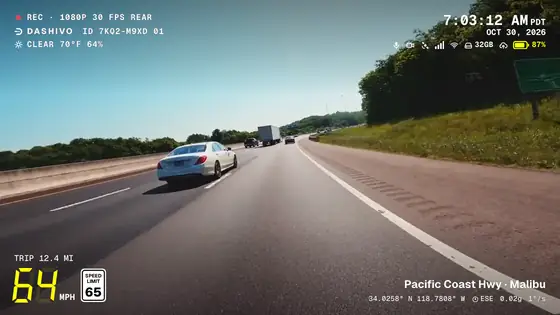
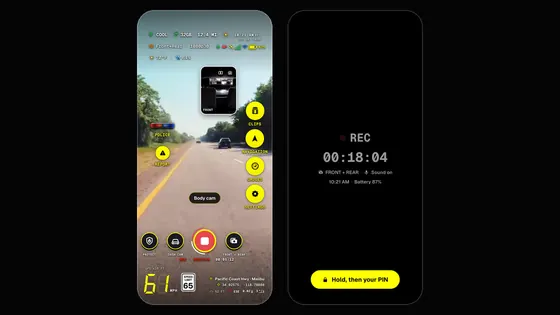
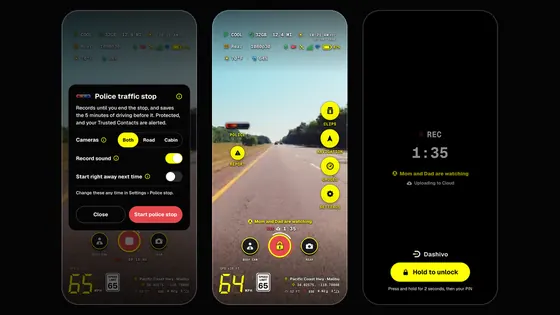
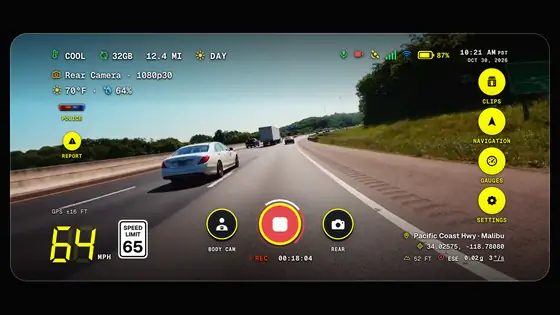
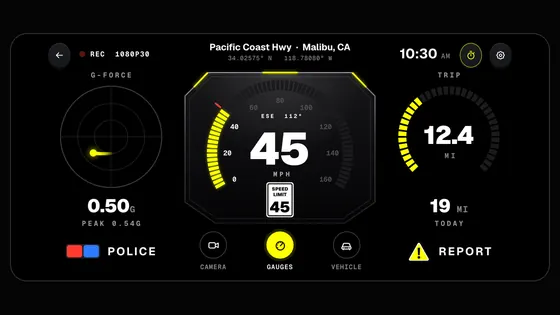
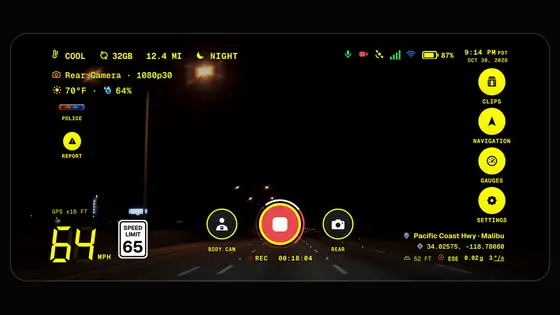
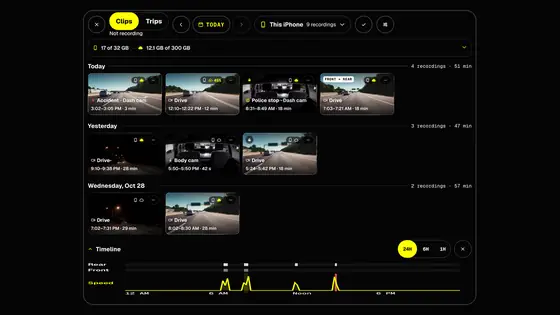
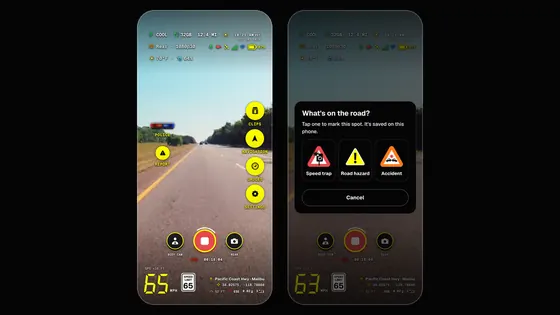
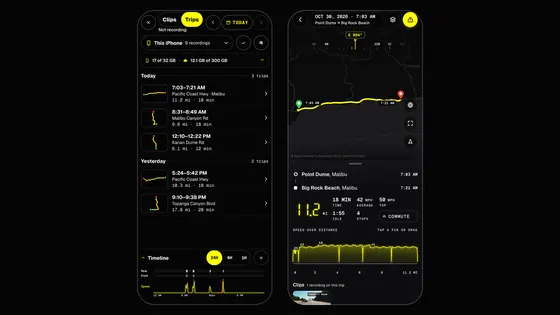
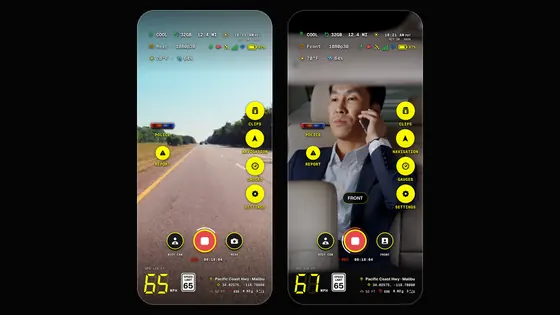
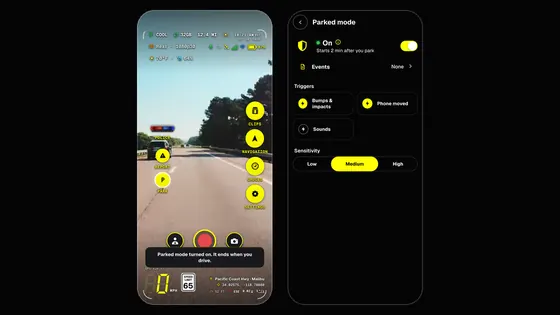
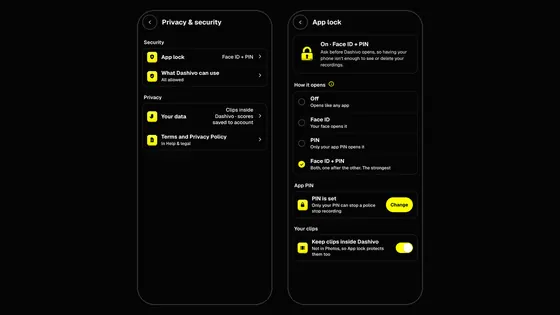
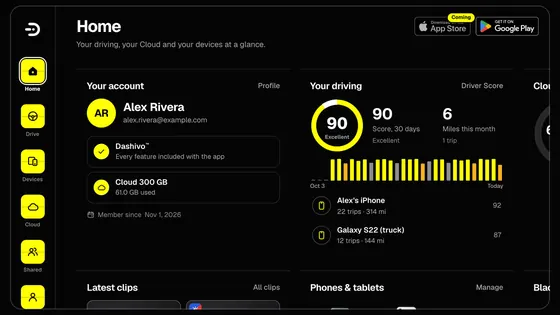
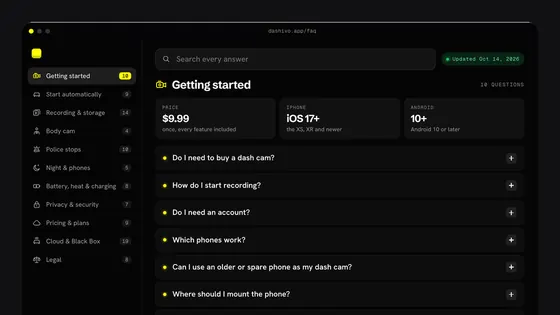
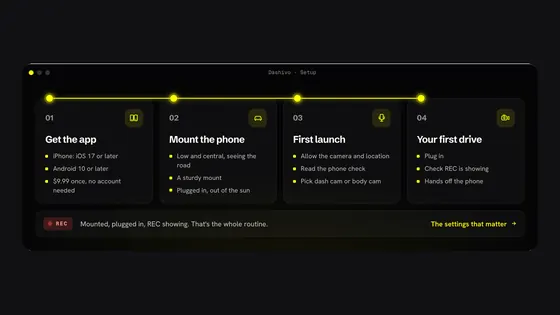
This is the Dashivo™ app, running right here. Pick a phone, a tablet or the web portal, then tap anything: record, start a police stop, mark a speed trap, open your clips, change the settings.
- 7
- phones, tablets and the web
- 0
- seconds recorded, nothing sent
- 1 tap
- to start a police stop
Pick a device.
Then tap.
The screens, buttons and settings work as they do in the app, with made-up trips, clips and places. Every feature is on, as it is in the app.
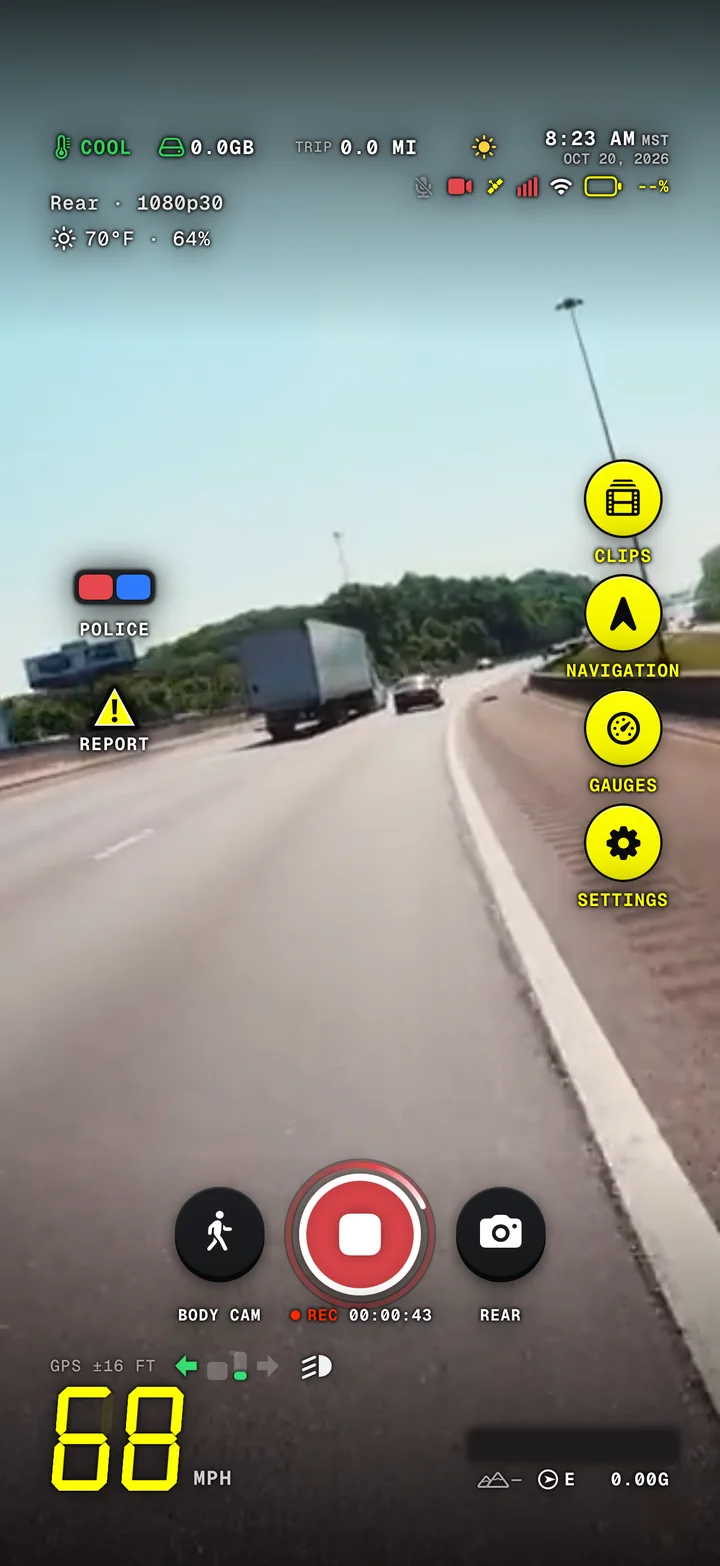
An interactive demo. Nothing is recorded and no data leaves your browser. Footage is a sample.
Every button in the simulated app works with the keyboard: Tab moves between them and Escape closes the screen that is open.
Look a little
closer.
Each part of the demo has its own page: what it does today, how it works and what's coming.
- Dash cam
Continuous loop recording, with the cabin too when you record front and rear.
- Police stop
One tap: records until you end it, saved every few seconds.
- Body cam
One camera, or front and rear at once, and touch protection.
- HUD & speed limits
Your speed, the posted limit, G-force and where you are.
- Clips & evidence
Every recording by day, protected and easy to share.
- Dashboard & Stopwatch
Supercar gauges and 0–60 timing on closed courses.
- Cloud portal
Your account on the web, and Cloud storage for your clips.
- $9.99Get the app
For iPhone and Android. $9.99 once, every feature included.
 Coming