Sign in to which Dashivo?
Your own phones, or your company's fleet. Each has its own account.
New to Dashivo Pro? Talk to us and we'll set up your company.
Multi-phone setups
One to four phones, one for every angle.
Got an old phone in a drawer? Put Dashivo™ on it and give it an angle of its own: the road ahead, the cabin, the rear window or a side. Today every phone runs Dashivo on its own and records its own view. Phones for a company fleet? That's Dashivo Pro.
One phone The road ahead
Dash cam mode on the windshield or the dash. Everything Dashivo does works on one phone, from the stamp to the police stop.
- 1Front
Two phones Road and cabin
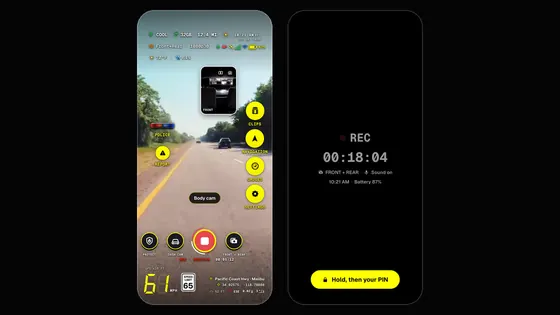
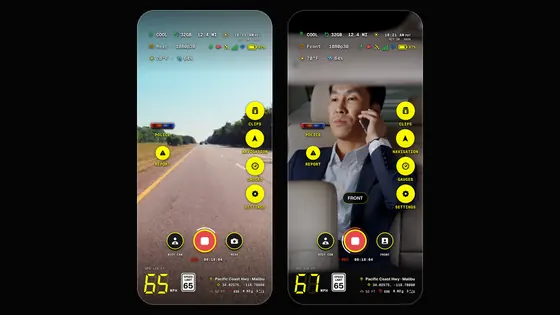
Add a phone facing into the car, for what happens inside: a passenger, a rideshare, a stop seen from the driver's seat. Or use one phone both ways: body cam mode records the front and rear cameras at once, with sound.
- 1Front
- 2Cabin
Three or four Every angle
Add the rear window for whoever's behind you, and a side window for the lane beside you or the curb. Like a 4-channel dash cam, made of phones.
- 1Front
- 2Cabin
- 3Rear
- 4Side
- 1FrontOn the windshield or dash, facing the road.
- 2CabinBy the mirror or on the dash, facing in.
- 3RearIn the rear window, facing back.
- 4SideOn a side window, facing out.
What each phone does today
- Its own view
- Each phone runs Dashivo on its own: its own camera, its own stamp, its own clips and miles.
- Its own clips
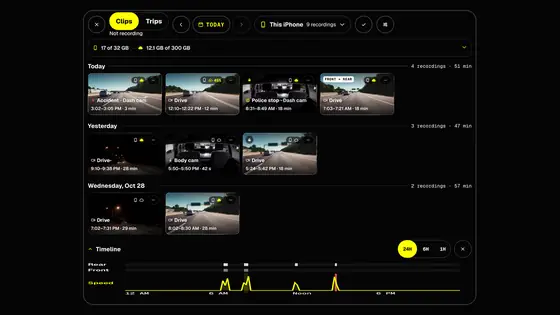
- You find each phone's clips on that phone. Without Dashivo Cloud, nothing is synced between phones.
- Lined up
- Every file is named to the second, so the front and cabin clips of the same moment sit side by side on a computer.
- Pay once
- One purchase covers every phone on the same Apple ID or Google account. Another store account or the other platform buys it once there.
- Power
- Recording all trip long needs a charger: one USB port or charger for each phone.
- On screen
- Apple only lets apps use the camera while they're on screen, so each iPhone keeps Dashivo open.
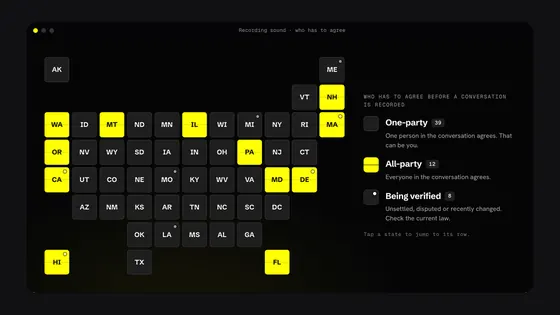
Mount every phone where it doesn't block your view and where your state allows, set them up before you drive, and don't handle them on the road. Every phone records sound with its video unless you turn it off in Video › Record sound, and some states require everyone's consent to record a conversation. See the recording laws; this isn't legal advice.
How it comes together
Works today
- One to four phones, each recording its own view
- One purchase for every phone on one Apple ID or Google account
- Files named to the second, so angles line up by time
With Dashivo Cloud
- Dashivo Cloud for up to 4 phones or tablets on one account, $4.99 a month per 100 GB
- Turn on a 5th and you pick which one stops uploading
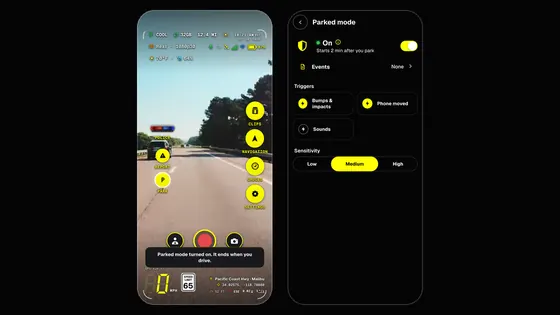
- Parked Guard alerts between your phones, encrypted
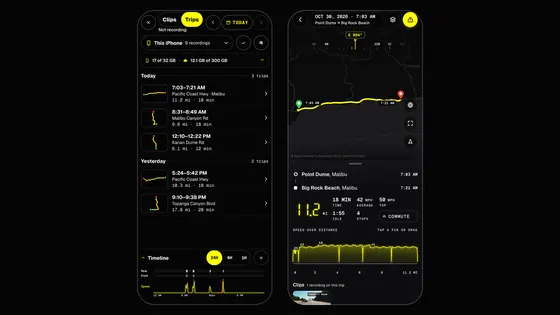
- Every phone's clips, events and miles on dashivo.app, grouped by car
Black Box OS (Beta)
- Collects every phone's clips in the car, over its own Wi-Fi
- One place to watch every angle
One app,
every angle.
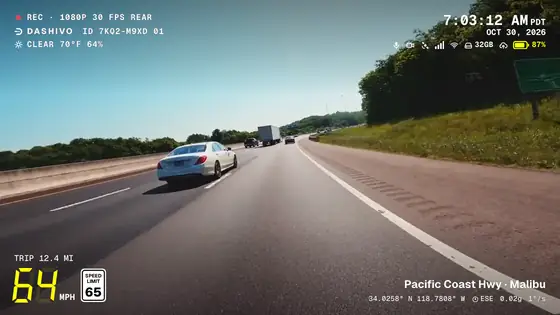
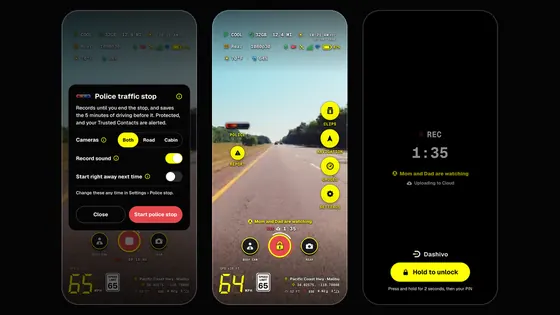
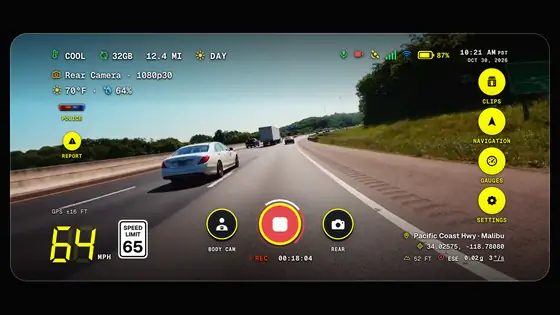
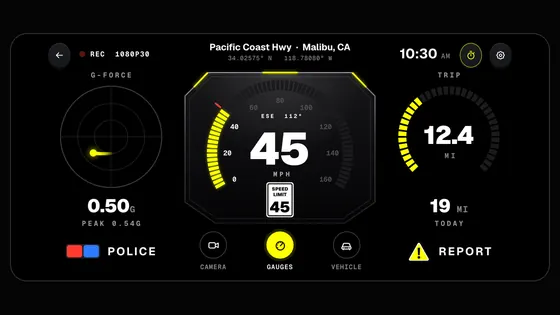
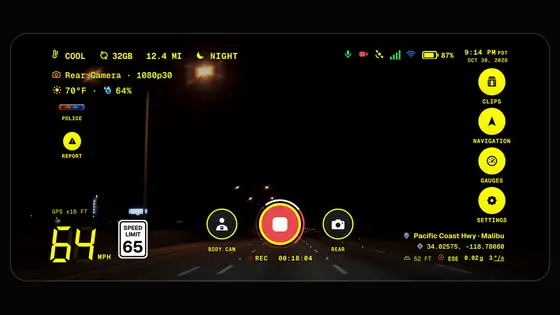
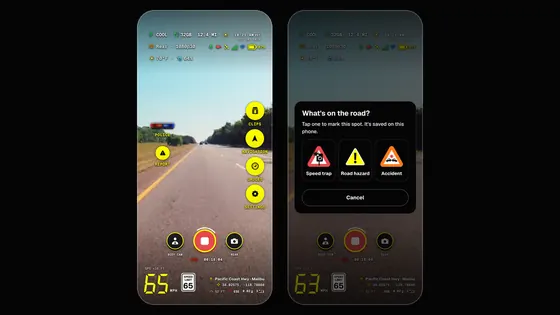
Every phone shows the same HUD and stamps the same facts: upright on the dash, sideways on the windshield, or in body cam mode by the mirror. Each one records and keeps its own view, and every file names its camera, front or rear.
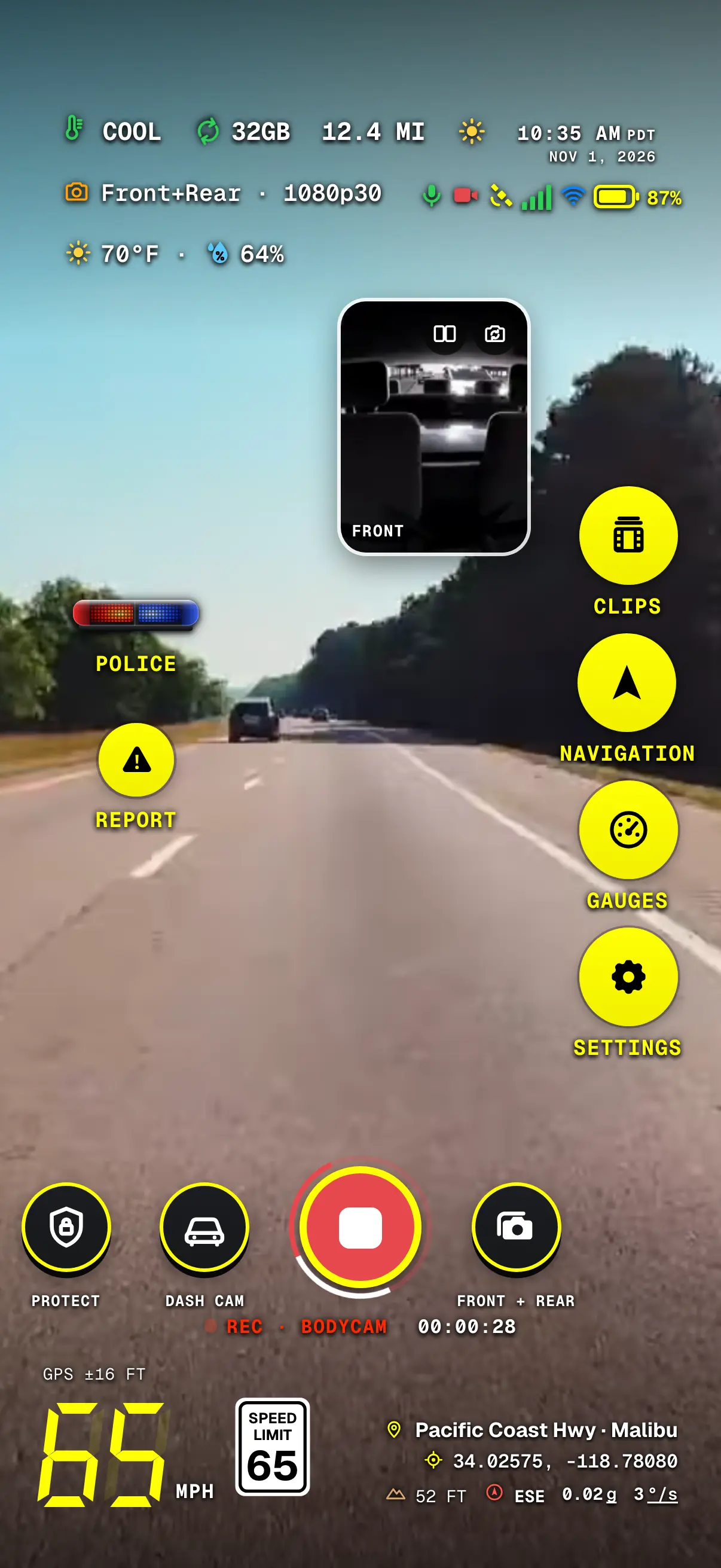
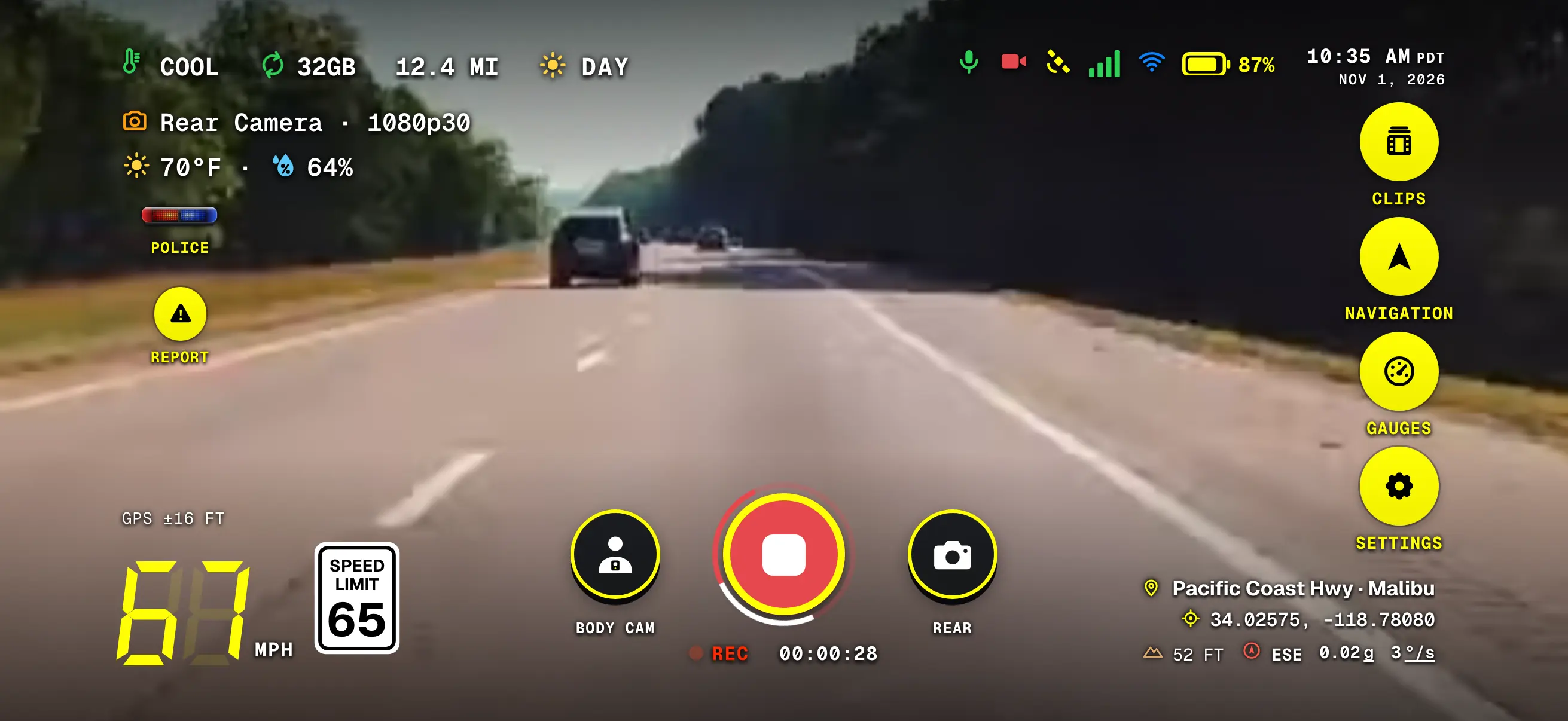
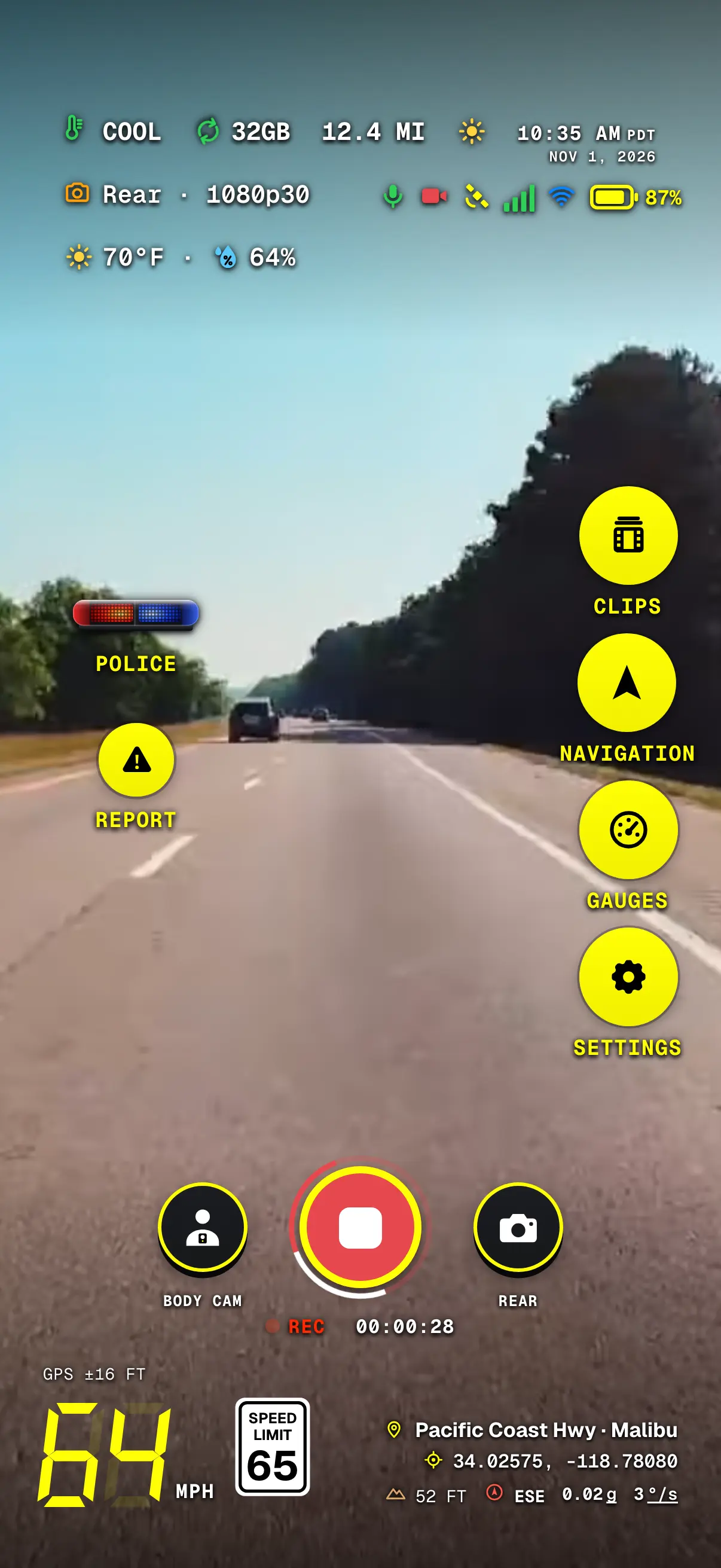
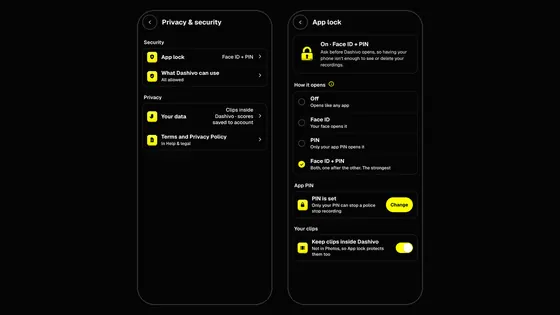
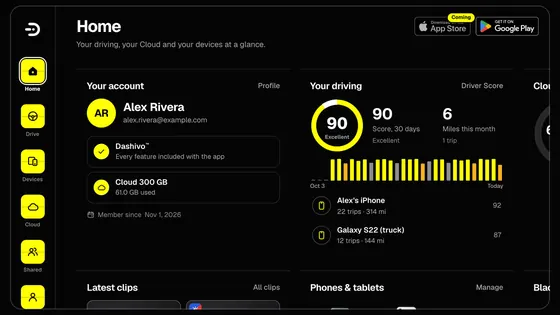
Screens from Dashivo 1.3.0 for iPhone on a sample drive. An iPhone and an Android phone can share a car; each buys the app on its own store.
 Coming