Sign in to which Dashivo?
Your own phones, or your company's fleet. Each has its own account.
New to Dashivo Pro? Talk to us and we'll set up your company.
Rear-ended at a light
The clip already shows you stopped, the time, where you were and the jolt, and accident detection locks it so the loop never replaces it.
Illustrated frameNot real footage
The situation
You're stopped at a red light at night, your phone recording in its windshield mount. The driver behind you doesn't stop in time. Nobody's hurt, but later their account of what happened doesn't match yours.
Step by step
Before Already recording
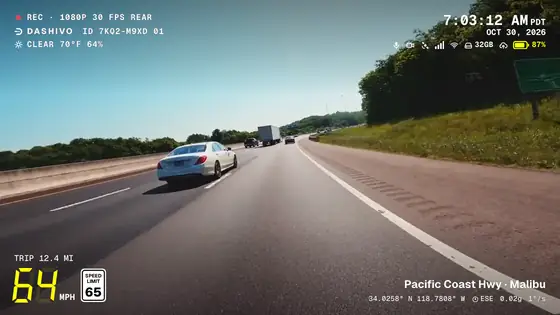
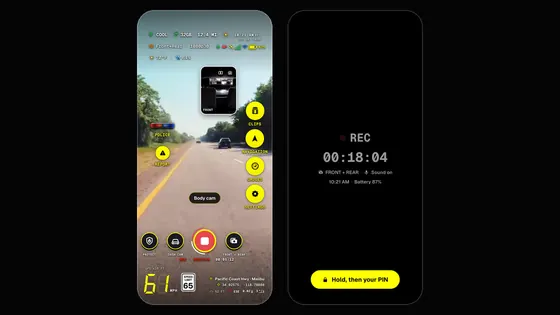
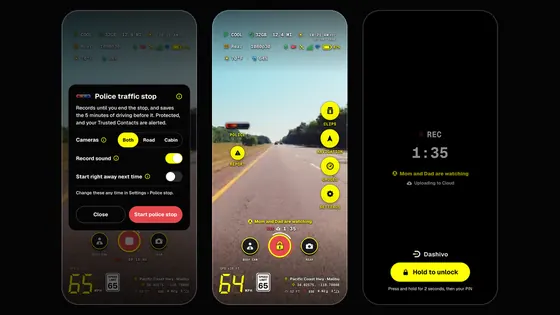
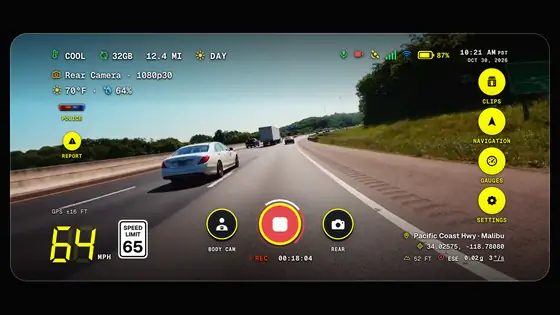
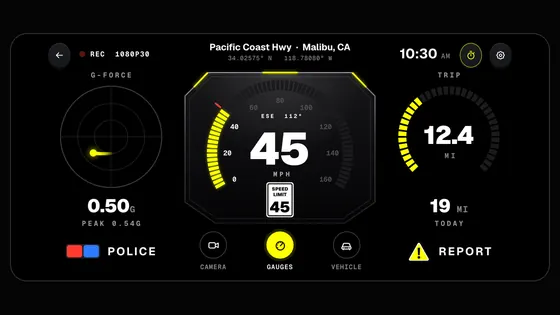
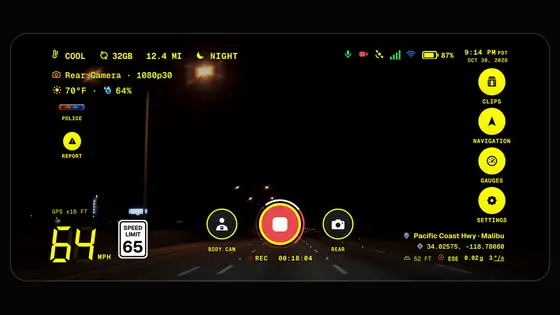
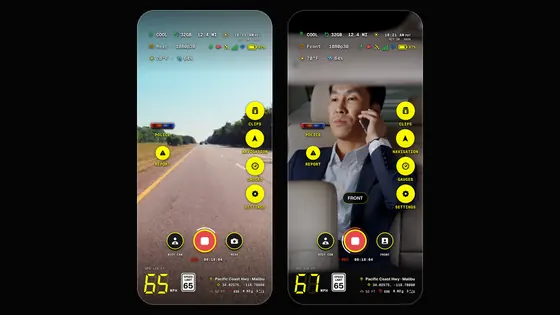
Dashivo™ has been recording since you set off, in a continuous loop, with the time, your speed, the street and town, the coordinates and the G-force stamped on every frame.
0:00 The impact
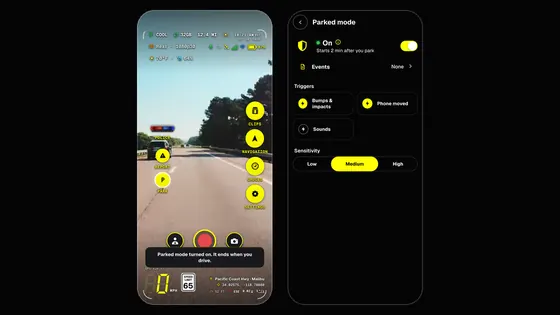
The jolt shows up in the G-force on the stamp, and your speed reads 0 mph: you were stopped. Accident detection, on by default in dash cam mode, knows a shove from behind at a light: it locks the clips from before and after the impact and switches to front and rear.
Right after Everyone first
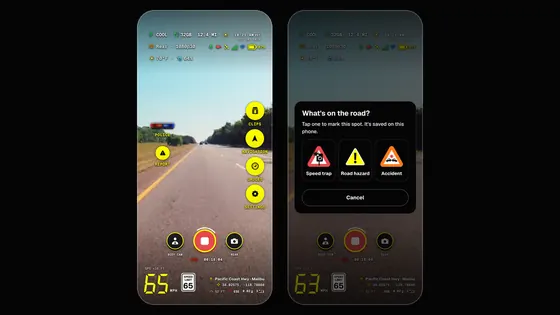
Dashivo asks "Were you in an accident?": Call 911 opens your phone app (you confirm the call there), or tap I'm OK. Check on everyone. The phone keeps recording while you do.
Later Find the clip
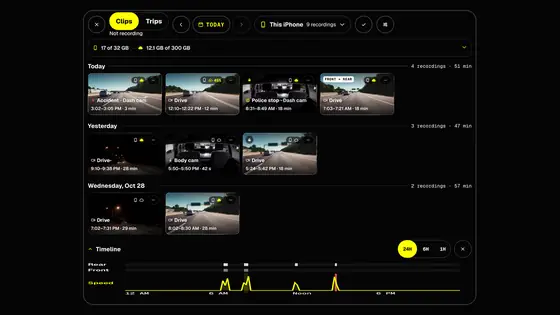
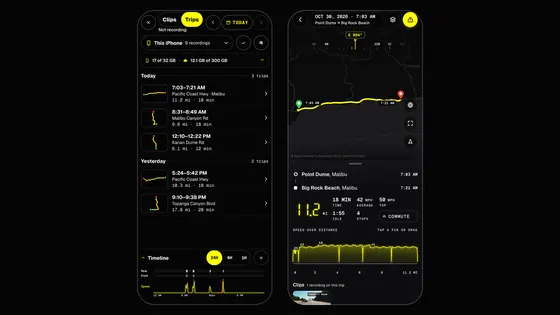
Open Clips: the accident is marked on the timeline and its clips are locked. Save a copy to Photos or the Gallery if you like. With Dashivo Cloud, accident clips upload first, on any network.
At home Watch it back
The stamp shows the date, the time to the second, your speed under the posted limit, the street and town, the coordinates and the G-force.
When asked Share the original
Share the original file with your insurer or attorney: it's named by date and time, with everything stamped into the video itself.
You don't have to press anything. It's already recording, and the impact is locked for you.
What you walk away with
- The moment of impact, from your side.
- The date, time, speed, place and G-force on every frame.
- The clips from before and after the impact, locked.
- The original file, named by date and time.
Good to know
Accident detection only counts a real shove: a door slam or a pothole never does. If a bump is too light to count, open the clip in Clips and tap Keep, so the loop never replaces it. Nothing ever calls anyone by itself. The stamp backs up the video; it isn't a certified record.
 Coming